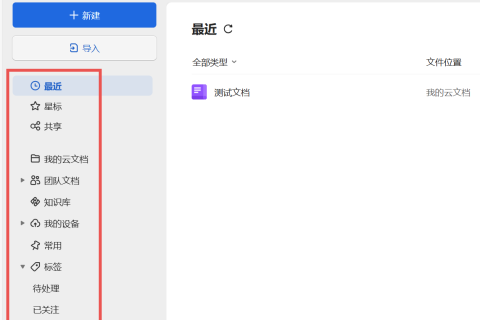
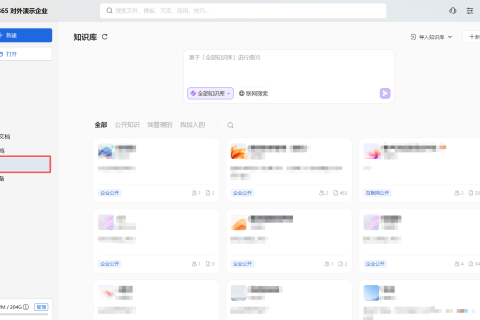
将企业主题色融入WPS365产品界面,使之与企业风格更为统一
如何为文档中心定制主题皮肤?
本定制方案仅适用于私有化WPS365版本
1. 方案概述
主题皮肤就是文档中心提供的界面颜色,下图为文档中心标准产品的主题皮肤:
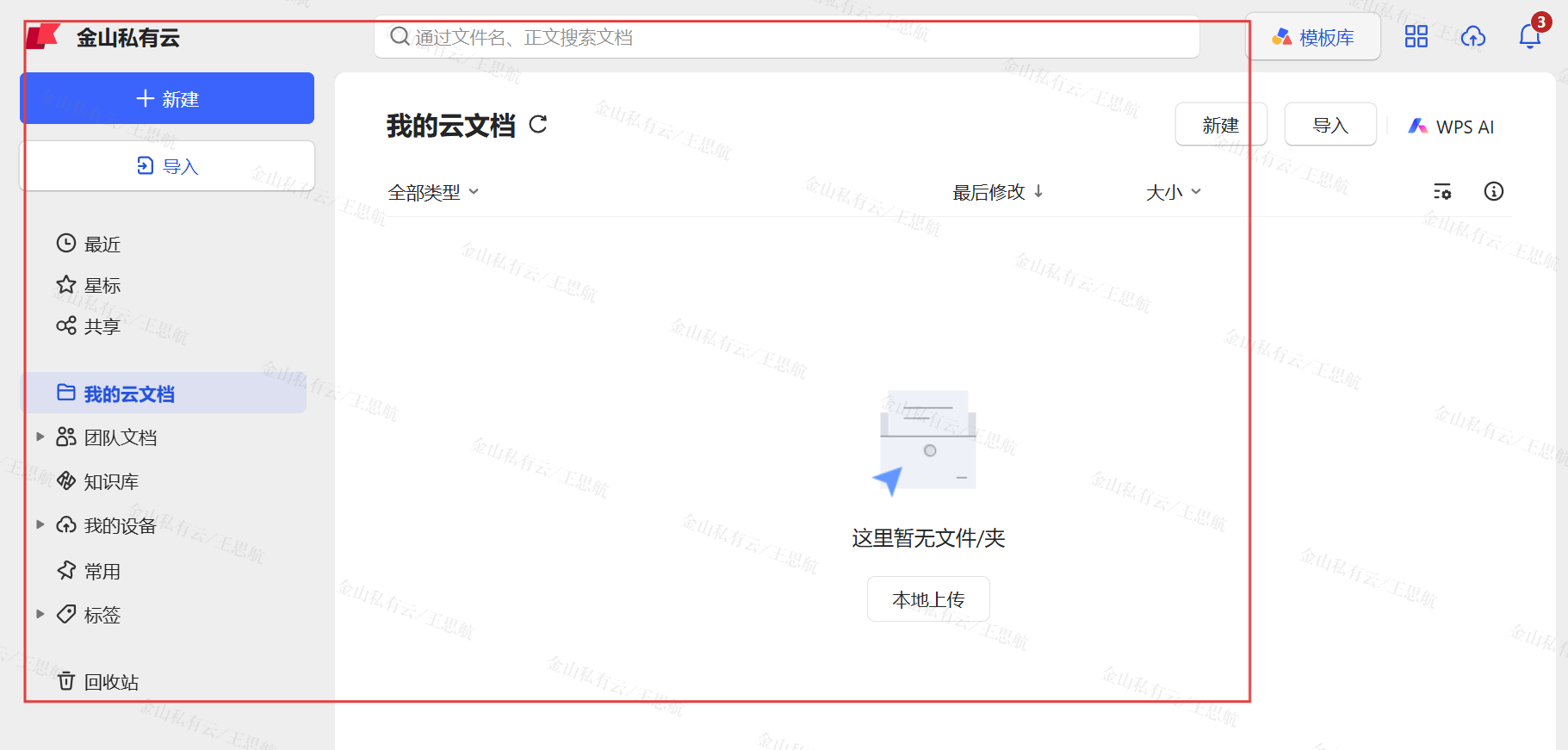
出于以下需求的考虑,客户可能会需要定制个性化的主题皮肤:
- 优化办公体验:不同员工对光线敏感度不同(如深色模式减少眼睛疲劳,浅色模式提升清晰度),个性化选择可提升使用舒适度。
- 情绪管理:颜色心理学影响情绪(如蓝色提升专注、绿色缓解压力),员工可选择能激发积极状态的主题。
- 增强企业文化认同感:企业主题色(如LOGO色)融入软件界面,强化员工和客户对品牌的日常感知。
| 实现效果 | 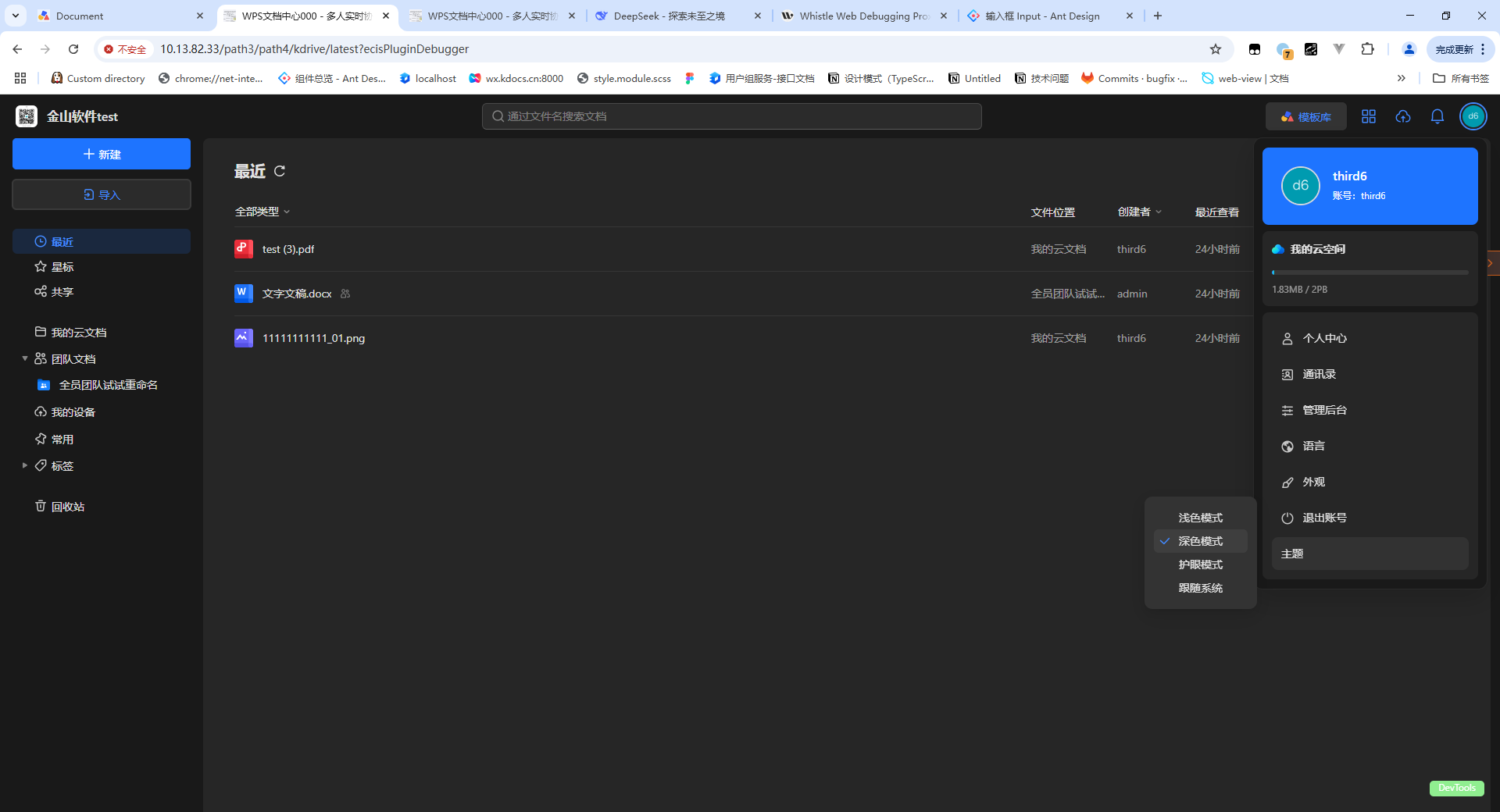 深色模式 深色模式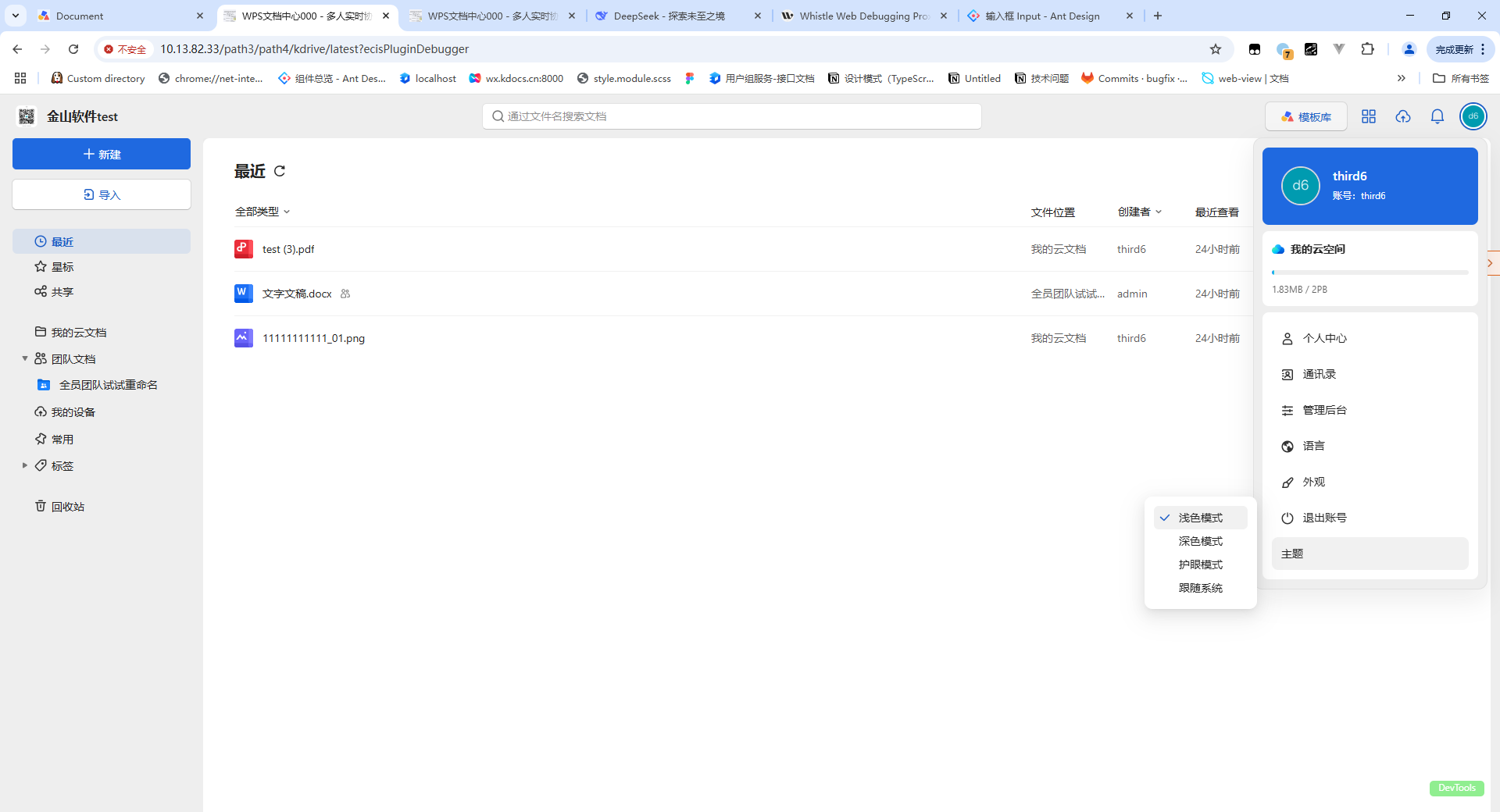 浅色模式 浅色模式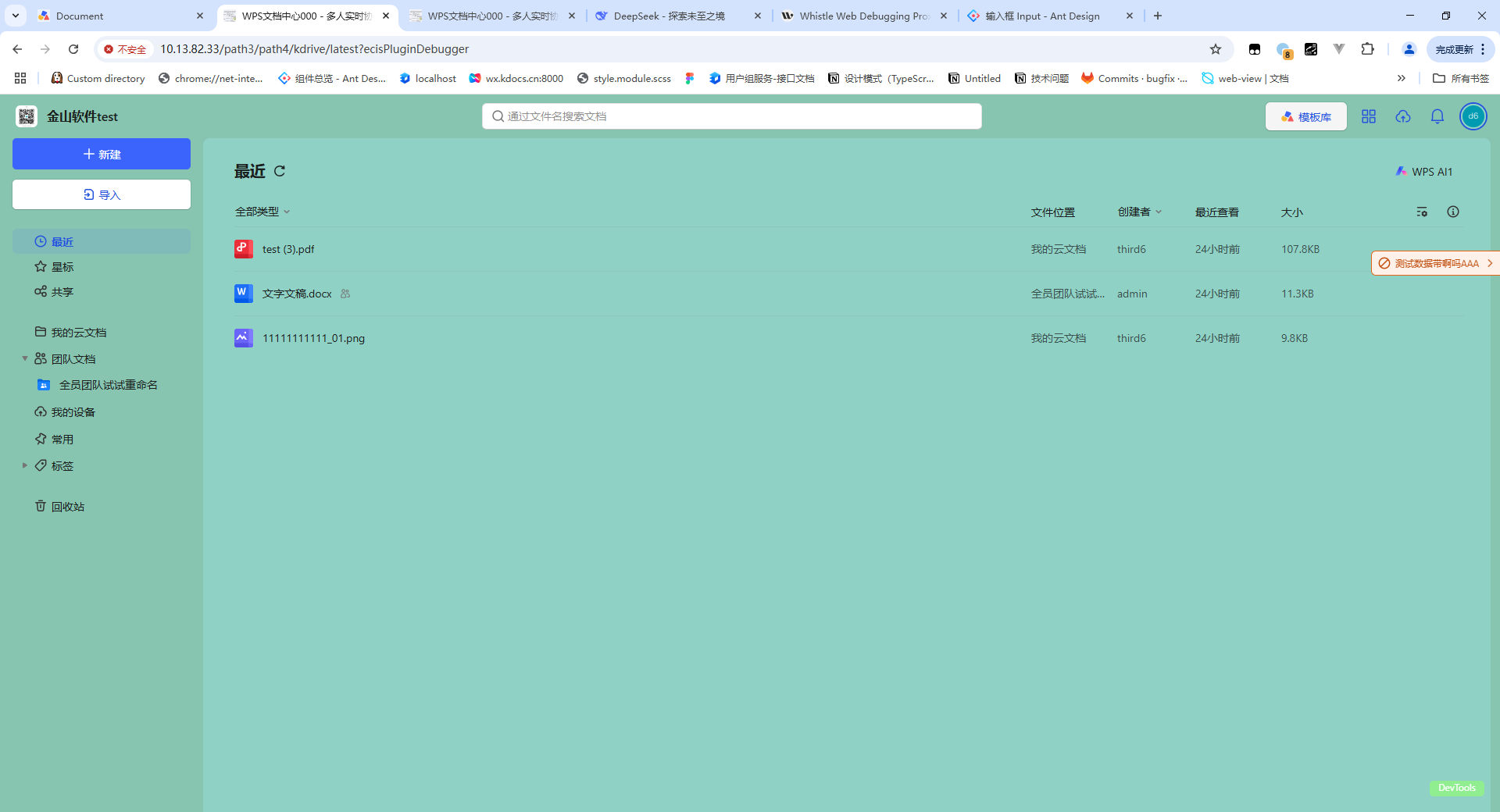 护眼模式 护眼模式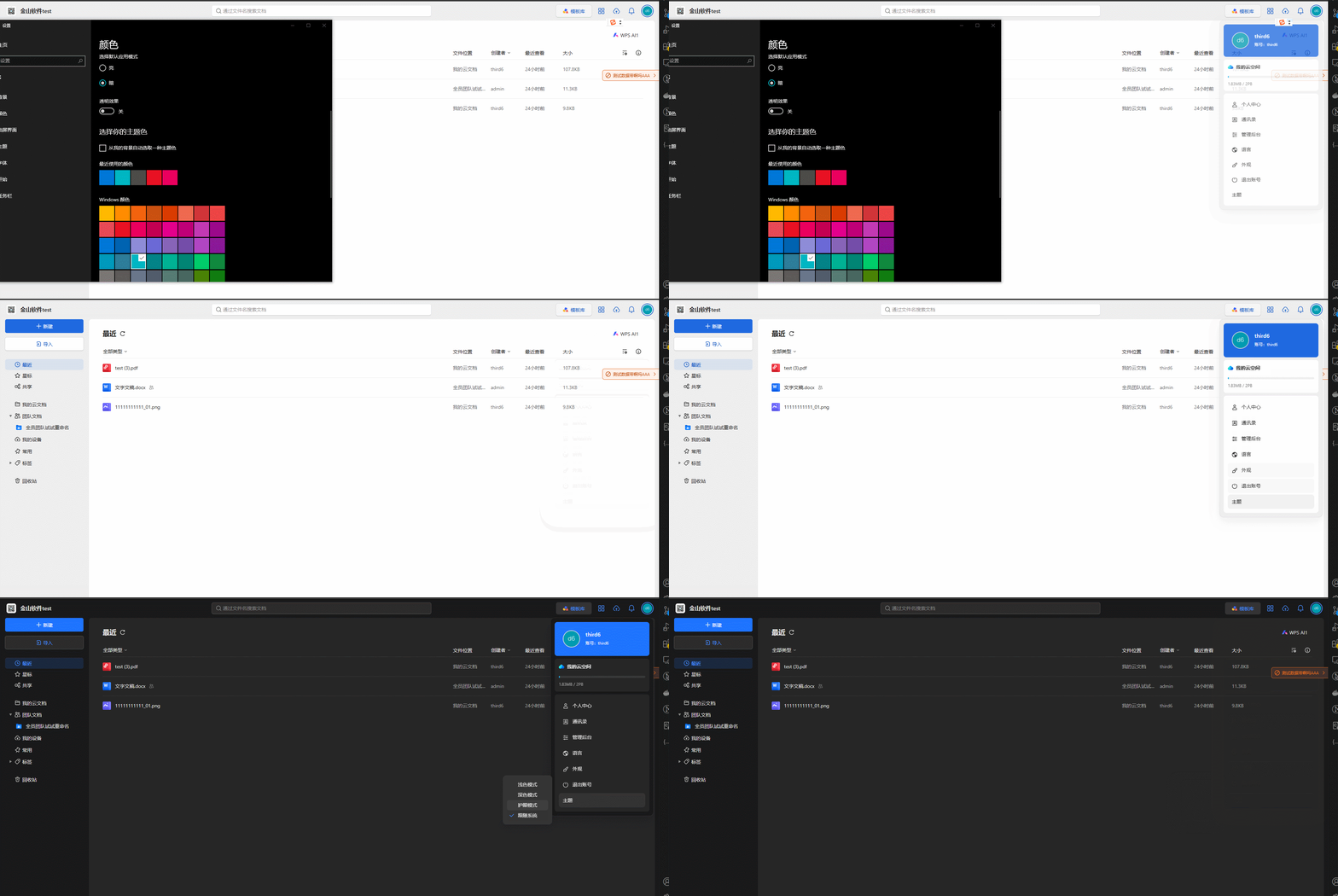 跟随系统模式注:以上展示的【深色】【浅色】【护眼】模式的具体颜色效果由客户自己定义,上图仅作参考示例 跟随系统模式注:以上展示的【深色】【浅色】【护眼】模式的具体颜色效果由客户自己定义,上图仅作参考示例 |
| 依赖端 | 文档中心PC端 |
| 依赖版本 | 23.0907(含)以上 |
| 依赖操作系统 | 支持X86、XC |
2. 使用指南
👉自定义用户头像悬浮面板菜单
能力
sdk.kdrive.header.rightPanel.userPanel.menu
方法
onChange
头部-搜索框右侧区域-鼠标悬浮用户头像-用户面板-菜单区域-改变事件
| 信息 | 内容 |
|---|---|
| 支持版本 | 23.0907 |
| 是否支持多插件 | true |
| 是否支持异步 | false |
| 兼容性说明 | 无 |
参数
| 参数名称 | 必选 | 类型 | 描述 |
| listener | 是 | (props: UserPanelMenuChangeAdapter) => IUserPanelMenu[]export type IUserPanelMenu = {key: string;name: string;icon: any;execute?: (key?: string) => void;children?: {key: string;name: string;check?: boolean;}[];};export class UserPanelMenuChangeAdapter extends ObjectAdapter {get operationList() {}set operationList(value) {}get userInfo() {}get execute() {}} |
示例
sdk.kdrive.header.rightPanel.userPanel.menu.onChange((data)=>{
  console.log(data, 'menus')
  data.operationList.add({key:'xx',name:'xx'})
})
👉主题皮肤切换功能实现
引入kdesgin 主题样式文件
import '@kdocs/kdesign-theme/dark.css'      // 深色模式
import '@kdocs/kdesign-theme/default.css'   // 浅色模式
也可以自己定义新主题
// index.css
/* 新定义的主题 护眼模式*/
:root[theme-mode=green] {
  --kd-color-background-base: #88c5b1;
  --kd-color-background-bottom: #90d1c6;
}
通过theme-mode属性控制主题样式
document.documentElement.setAttribute('theme-mode', 'dark');
document.documentElement.setAttribute('theme-mode', 'green');
👉详细代码示例
目录结构
ecis-frontend-plugin-custom-frame/
├── src/
│   ├── libs/
│   │   ├── i18n/
│   │   │   ├── locales/
│   │   │   │   ├── zh-CN.json  // 包含中文语言的翻译键值对
│   │   │   │   ├── zh-HK.json  // 包含繁体语言的翻译键值对
│   │   │   │   ├── en-US.json  // 包含英文语言的翻译键值对
│   ├── plugin/
│   │   ├── plugin.tsx   // 插件功能具体实现
插件实现plugin.tsx
import React, { useEffect } from 'react';
import { useTranslation } from 'react-i18next';
import '@kdocs/kdesign-theme/dark.css';
import '@kdocs/kdesign-theme/default.css';
import './index.css';
import sdk from '../libs/sdk';

const Plugin = () => {
  const { t } = useTranslation();
  const themeList = [
    { key: 'light', name: t('theme.light') },
    { key: 'dark', name: t('theme.dark') },
    { key: 'green', name: t('theme.green') },
    { key: 'system', name: t('theme.system') },
  ];

  const isCheck = (key: string) => {
    const theme = window.localStorage.getItem('colorTheme') || themeList[0].key;
    return theme === key;
  };

  // 检测系统主题
  const systemTheme = window.matchMedia('(prefers-color-scheme: dark)');
  let isSystemListen = false;

  const setCurrentTheme = (theme: string) => {
    document.documentElement.setAttribute('theme-mode', theme);
    localStorage.setItem('colorTheme', theme);
  };

  const setTheme = (theme: string) => {
    if (theme === 'system') {
      handleSystemThemeChange(systemTheme);
      addSystemListener();
    } else {
      removeSystemListener();
      setCurrentTheme(theme);
    }
  };

  const handleSystemThemeChange = (e: MediaQueryListEvent | MediaQueryList) => {
    const theme = e.matches ? 'dark' : 'light';
    setCurrentTheme(theme);
  };

  // 添加系统主题监听
  function addSystemListener() {
    if (!isSystemListen) {
      systemTheme.addEventListener('change', handleSystemThemeChange);
      isSystemListen = true;
    }
  }

  // 移除系统主题监听
  function removeSystemListener() {
    if (isSystemListen) {
      systemTheme.removeEventListener('change', handleSystemThemeChange);
      isSystemListen = false;
    }
  }

  const addEntrance = async () => {
    // 这里插件按需异步加载资源报引入sdk.xxx
    const kdrive = await sdk.kdrive;

   // 头部头像悬浮面板新增自定义菜单
    kdrive.header.rightPanel.userPanel.menu.onChange((data: any) => {
      console.warn('userPanel.data', data);
      if (~data.operationList.items().findIndex((item: IUserPanelMenu) => item.key === 'theme')) return;
      // add方法第二个参数代表你要插入位置的索引
      data.operationList.add({
        key: 'theme',
        name: t('theme.title'),
        children: themeList.map((item) => ({ key: item.key, name: item.name, check: isCheck(item.key) })),
        execute: (key: string) => {
          // 设置当前主题
          setTheme(key);
          // 更新主题菜单选中状态
          data.operationList.items().forEach((item: any) => {
            if (item.key === 'theme') {
              item.children.items().forEach((child: any) => {
                child.check = child.key === key;
              });
            }
          });
          // 更新menu data
          data.execute(data.operationList._data, 'theme');
        },
      });
    });
  };

  useEffect(() => {
    addEntrance();
  }, []);

  return null;
};

export default React.memo(Plugin);
👉效果截图
| 深色模式 | |
|---|---|
| 浅色模式 | |
| 跟随系统 | |
| 护眼模式 | |
相关新闻
-

文档中心与第三方IM集成,促进高效协同办公
随着企业数字化转型的深入,企业在自研IM基础上需要补齐文档协作能力。文档中心通过集成第三方IM,为企业提供高效、安全的文档协作体验。 一、方案简介 金山办公文档中心V7集成第三方IM旨在为企业自研IM(即时通讯)系统提供文档能力的集成支持,通过文档中心V7与第三方IM的深度整合。 金山办公文档中心V7通过标准化接口与定制化开发相结合,实现IM与文档中心的无缝衔接,帮助企业构建”沟通-协作-管理”一体化平台。金山文档中心V7通过提供在线编辑、多人协同、版本管理,帮助客户减少…
-

自定义文件列表右键菜单项
企业需要在文件列表的右键菜单栏中,新增其它定制菜单项 如何在文件列表新增右键菜单项? 本定制方案仅适用于私有化WPS365版本 1. 方案概述 有时候,企业需要给不在组织通讯录中的成员共享文档,传统流程是把文档下载下来,通过邮件发送,易导致效率瓶颈。 现在,通过文档中心的扩展能力,可以直接在文件列表右键菜单新增自定义分享弹窗入口,简化协作流程。 这一功能不仅支持自定义分享弹窗,企业也可根据实际需要,在文件列表的右键菜单栏中,新增其它定制菜单项。 我们可以使用文档中心Web端(PC端)的开放能力,…
-

WPS 文档共享权限管控方案,精准授权高效协同
WPS文档共享权限管控方案,既能精准的配置文档访问、编辑、共享等权限,又能实现动态调整与全程留痕,有效保障企业文档信息安全与协作效率。 方案简介 WPS文档共享权限管控方案是针对企业文档协作中权限管理难题,提供精准授权与全程可控的解决方案。通过构建多层级权限管控体系,支持按角色/岗位细分权限、动态权限调整、协作行为留痕、权限到期自动回收功能,确保文档协作数据安全,提升内部协作效率。 该方案可与企业现有组织架构无缝对接,在企业私有环境内运行,最大程度保障文档协作数据不被泄露,为企业文档管理提供全方…