

如何定制登录密码页和访问到期页?
1. 方案概述
当企业员工访问带有密码的文件/文件夹链接时,会先跳转到一个页面,进行密码输入和校验,这就是登录密码页。只有在登录密码页中输入正确密码,才能进入文件/文件夹进行访问。
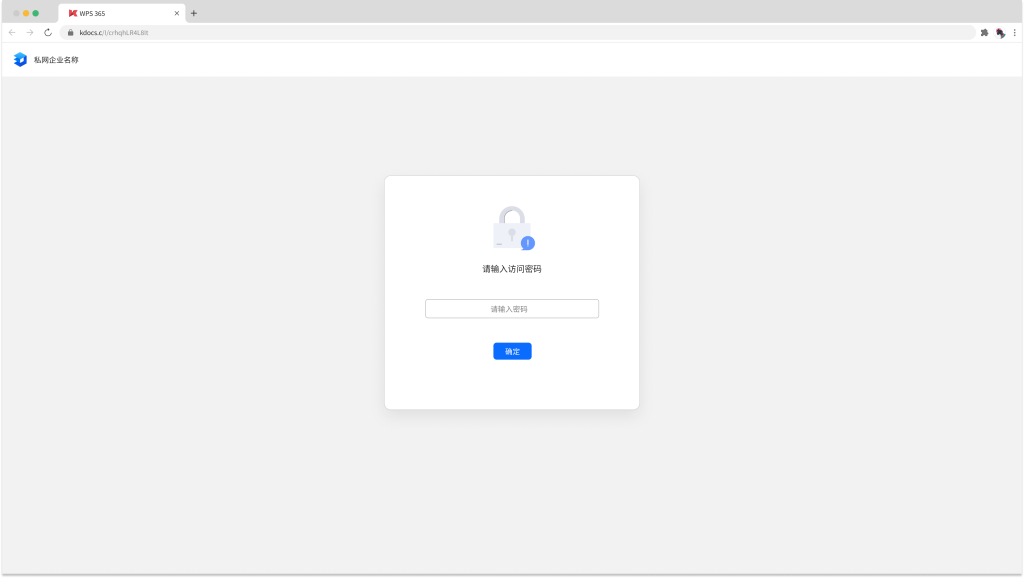
如果文档的密码有效期过期,点击文档链接后,则显示访问链接过期页面。
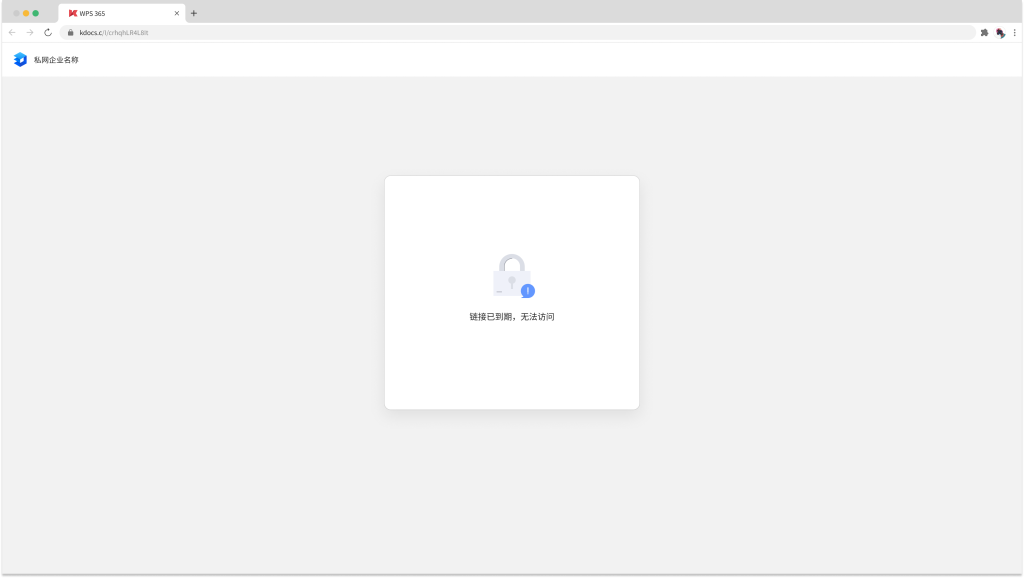
通常在两种情况下,客户会有定制登录密码页和访问到期页的需求:
- 标品的密码登录页面不满足需求,需要进行个性化定制。例如,给页面添加一些组织logo或吉祥物元素。
- 当客户的定制功能涉及通过密码访问文档时,也需要定制登录密码页和访问到期页。例如,客户做了一个文档查看的定制功能叫“免登录分享”,需要在外发这类文档时开启“通过密码访问”,并给分享链接设置有效期,这种情况下,就需要定制登录密码页和访问到期页。
| 实现效果 | 用户点击文档链接-进入登录密码页-输入密码-进行文件预览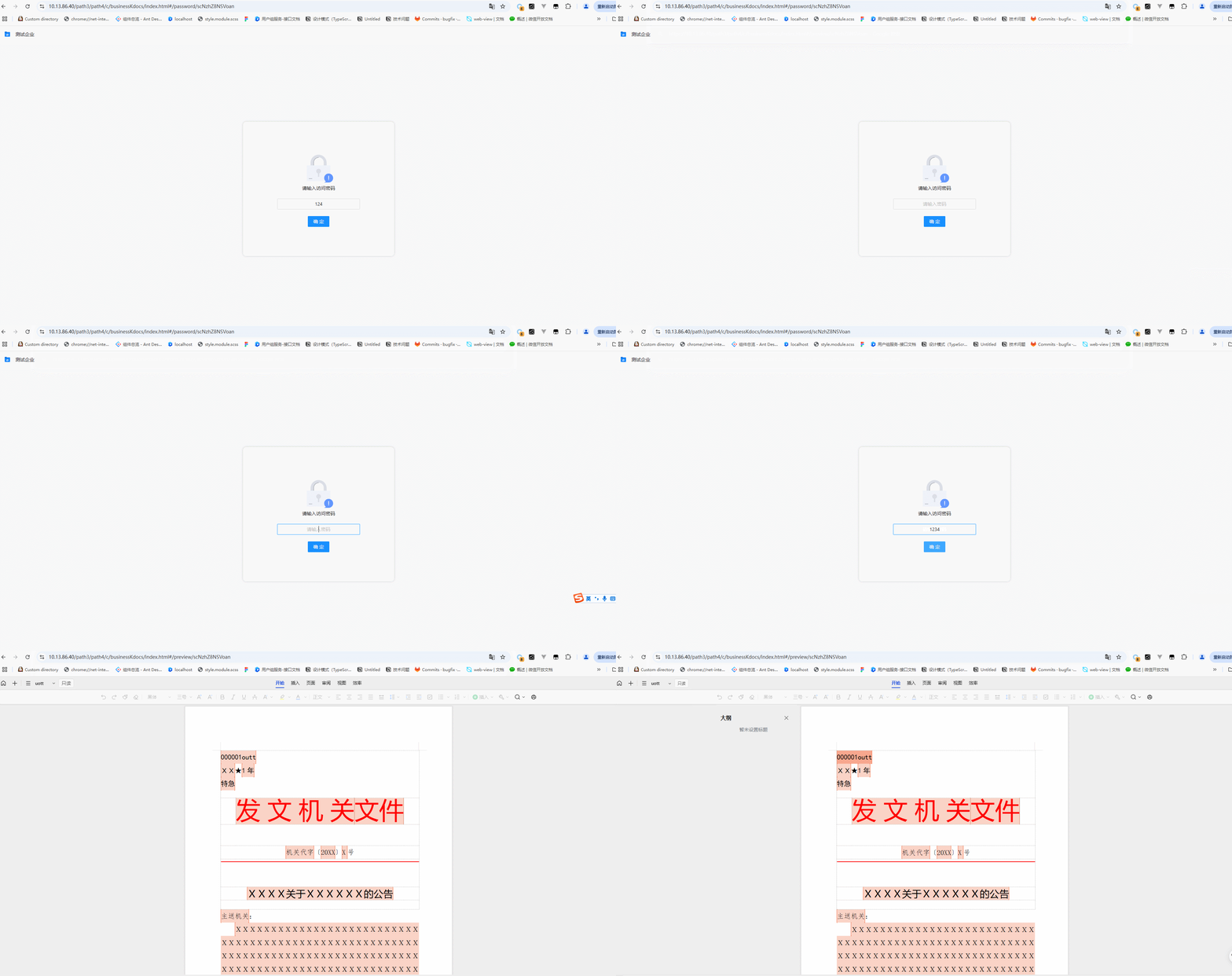 中文 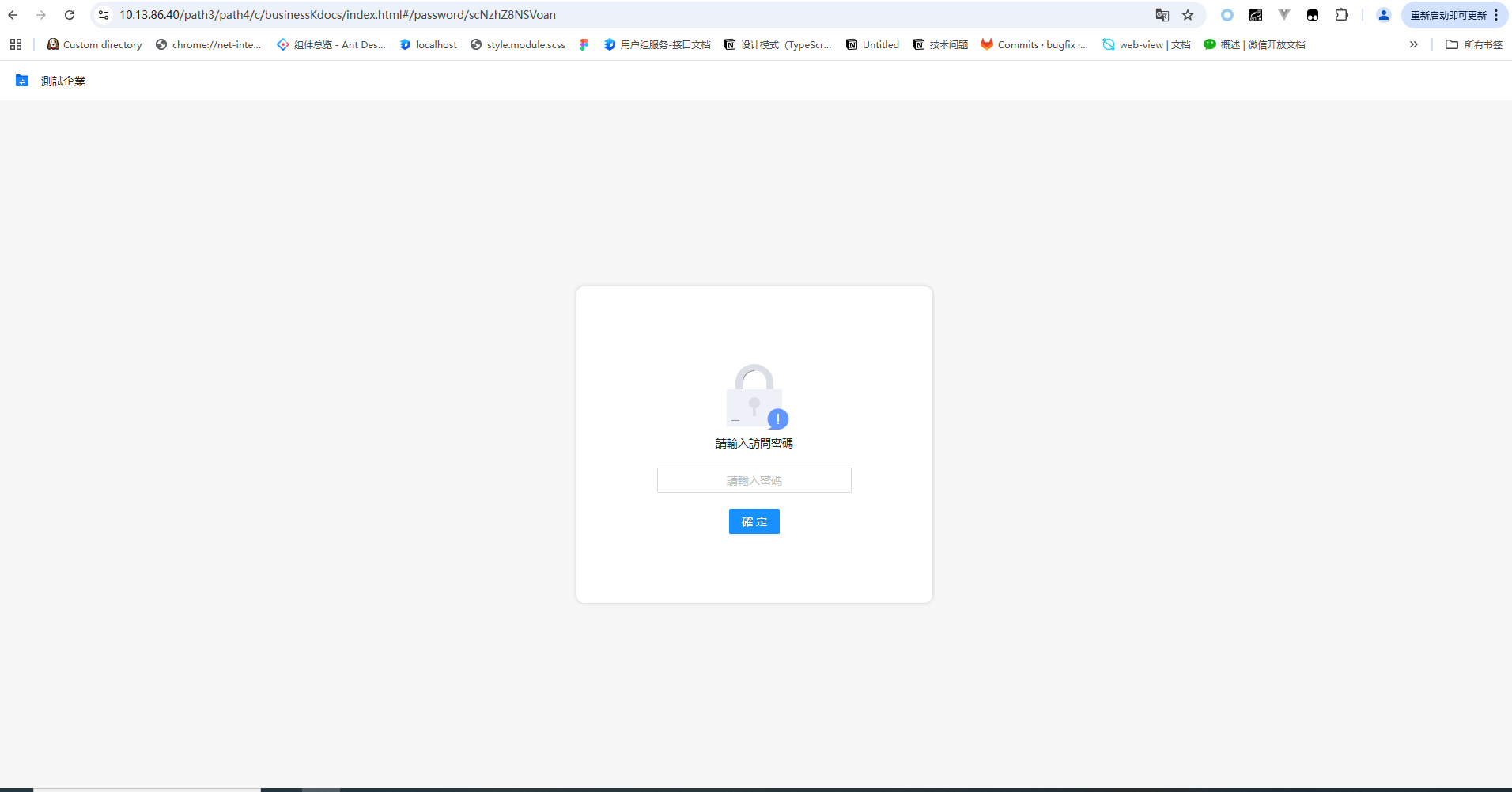 繁体 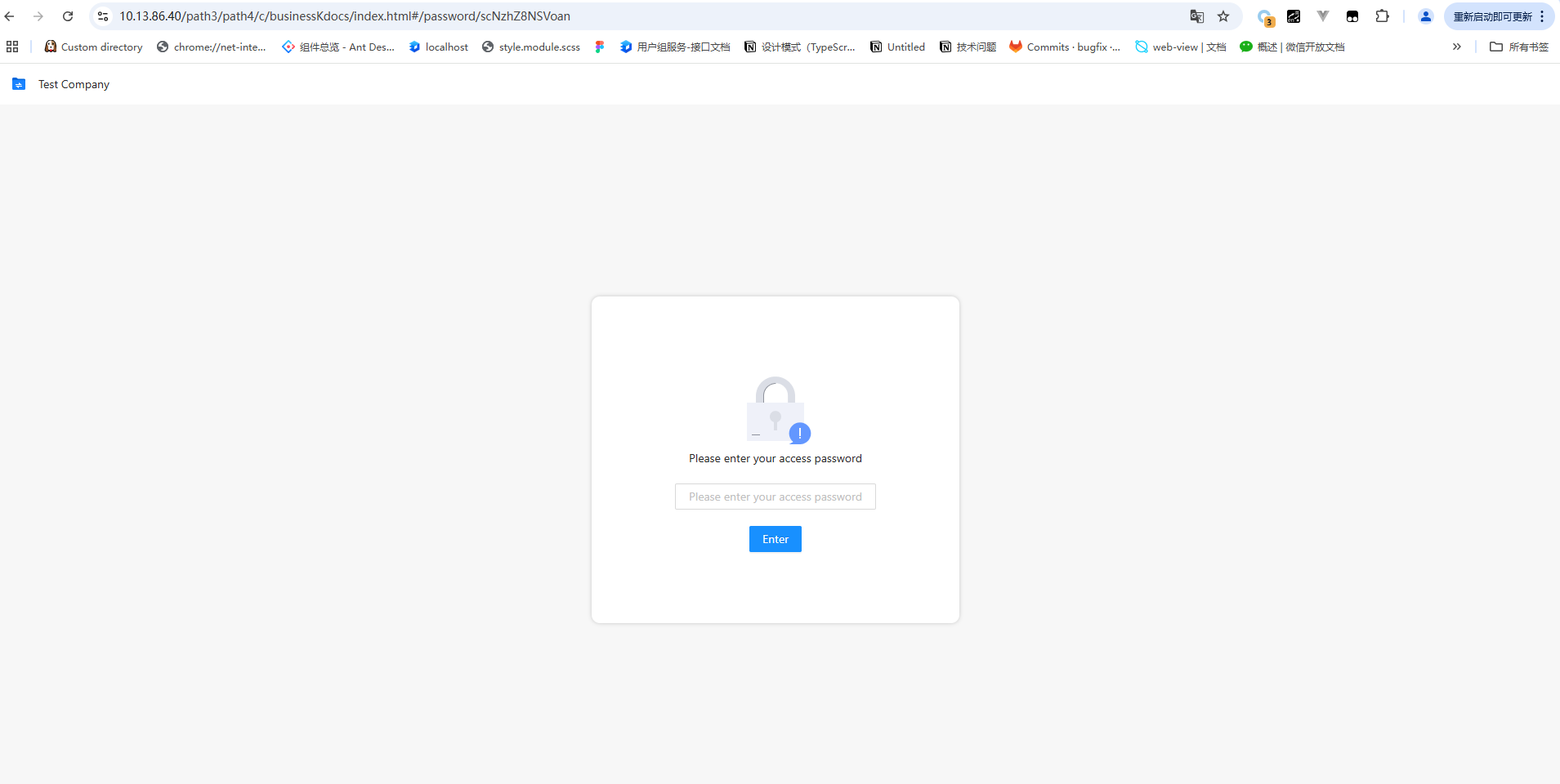 英文 | 用户点击文档链接-若超过密码的有效期-显示访问链接过期页面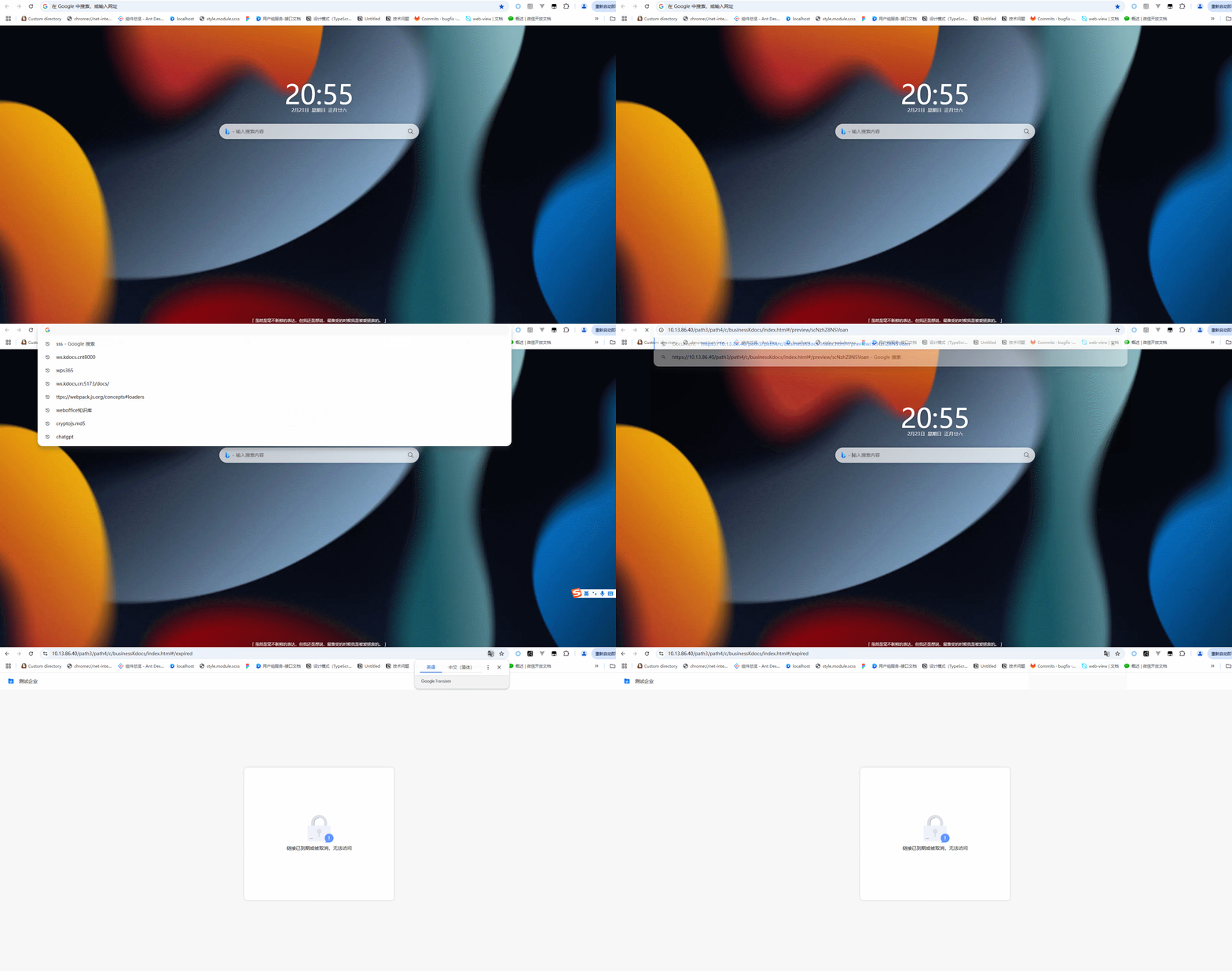 中文 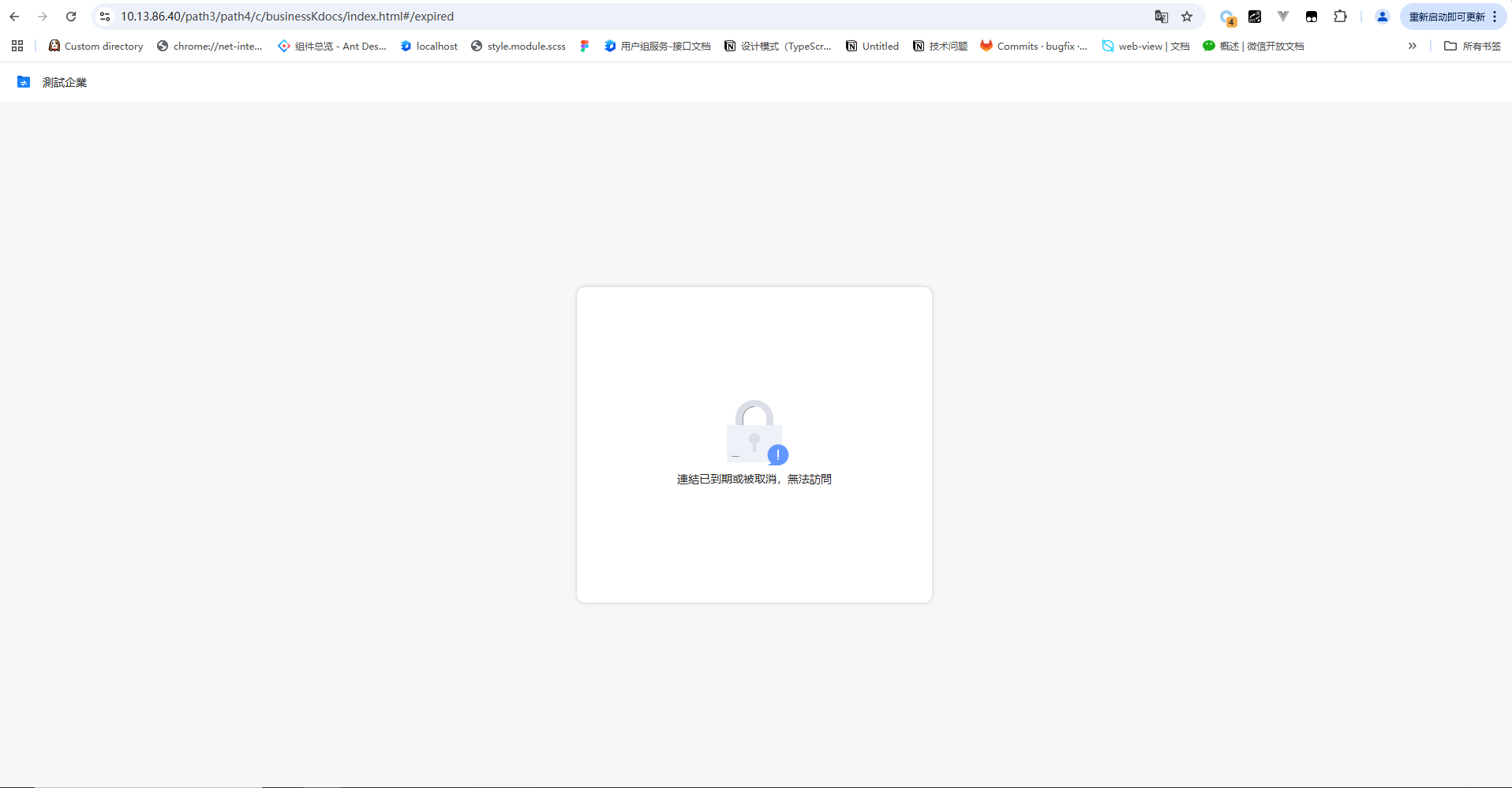 繁体 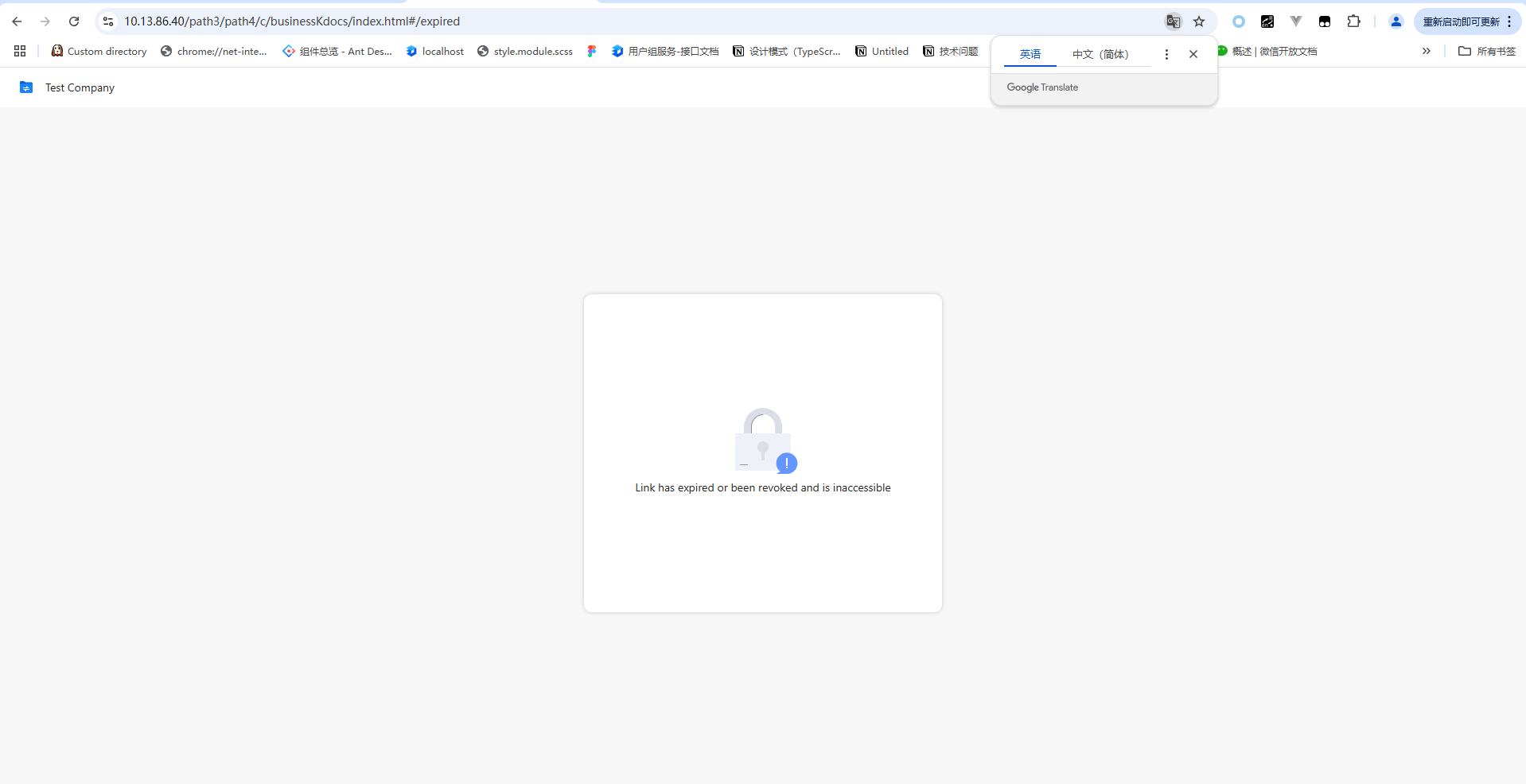 英文 |
| 支持端 | 文档中心PC端、文档中心H5端 | |
| 操作系统限制 | 支持X86、XC |
2. 使用指南
👉能力
独立页面插件开发:
- 登录密码页:
/c/cid/index.html#/password/:id - 访问到期页:
/c/cid/index.html#/expire
异步请求调用:
ecissdk内部已经封装了异步请求的框架逻辑,可以直接使用sdk暴露出的异步请求方法来发送相应的业务请求
sdk.utils.request.(get|post)({
url: 'xxx', // 必传,接口url ,例如登录密码校验接口
data?: {}, // 非必传,接口参数
service: '', // 必传,私有化服务名
headers?: {} // 非必传,请求头
})
👉代码示例
- 目录结构
ecis-frontend-plugin-custom-frame/
├── src/
│   ├── components/
│   │   ├── expired/
│   │   │   ├── index.tsx            //链接过期页
│   │   │   ├── index.module.less
│   │   ├── password/
│   │   │   ├── index.tsx            // 登录密码页
│   │   |    ├── index.module.less
|   |   |---header.tsx                   // 公共头部组件
│   ├── libs/
│   │   ├── i18n/
│   │   │   ├── locales/
│   │   │   │   ├── zh-CN.json  // 包含中文语言的翻译键值对
│   │   │   │   ├── zh-HK.json  // 包含繁体语言的翻译键值对
│   │   │   │   ├── en-US.json  // 包含英文语言的翻译键值对
│   ├── web/
│ │ ├── bootstrap.tsx // 页面开发根节点组件路径- 路由划分
src/web/bootstrap.tsx
import React from 'react';
import ReactDOM from 'react-dom';
import { HashRouter as Router, Route, Switch } from 'react-router-dom';

import Expired from '../componetns/expired/index';
import Password from '../componetns/password/index';

// eslint-disable-next-line react/no-deprecated
ReactDOM.render(
  <Router>
    <Switch>
      <Route path={'/password/:id'} exact={true} component={Password} /> // 登录密码页
      <Route path={'/expired'} exact={true} component={Expired} />       // 链接过期页
    </Switch>
  </Router>,
  document.querySelector('#app')
);
登录密码页定制
src/components/password/index.tsx
💡 注意
/c/cid/index.html#/password/:id地址为插件独立页面地址- 对输入的密码进行校验,校验正确存储到localStorage中
- 在登录密码页中密码校验成功后跳转回文件/文件夹预览页
import Header from '../header';
import styles from './index.module.less';
import lock from '../../assets/images/lock.png';
import { Button, Input, message } from 'antd';
import React, { useState, ChangeEvent } from 'react';
import { useParams, useHistory } from 'react-router-dom';
import { Base64 } from 'js-base64';
import { useTranslation } from 'react-i18next';

interface IParams {
  id: string;
}

export default function Password() {
  const { id } = useParams<IParams>();
  const history = useHistory();

  // 输入密码
  const [password, setPassword] = useState<string>('1234');

  const { t } = useTranslation();

  // 输入密码
  const changePass = (e: ChangeEvent<HTMLInputElement>) => {
    setPassword(e.target.value);
  };

  // 校验密码
  const checkPass = async () => {
   const res = await sdk.utils.request.get({
     url: '/xxx/api/v1/link/web/checkpass', //判断密码是否正确接口
     service: 'c',
     data: {                                //接口参数 id 、密码
       sid: id,
       code: password
     }
   })
    if (res.data.code === 200) {
      let cachePass: any = window.localStorage.getItem('cachePass');
      cachePass = cachePass ? JSON.parse(cachePass) : {};
      cachePass[id] = {
        auto: true,
        pass: Base64.encode(password),
      };
    // 密码存储到localStorage中
      window.localStorage.setItem('cachePass', JSON.stringify(cachePass));

      //校验通过返回预览页
      //例如/preview/:id 预览独立页面
      //或者通过cb获取预览地址,执行相应逻辑后跳转回预览页window.location.replace("/c/cid/index.html/#/password/:id?cb=" + encodeURIComponent(window.location.href));
      history.push(`/preview/${id}`);
    } else {
      message.error('密码错误');
    }
  };

  return (
    <>
      <Header />
      <div className={styles['passwordPage']}>
        <div className={styles['passwordContent']}>
          <div>
            <img src={lock} />
            <p style={{ marginBottom: '20px' }}>{t('password.text')}</p>
            <Input onChange={changePass} style={{ textAlign: 'center' }} placeholder={t('password.placeholder')} />
            <Button onClick={checkPass} style={{ marginTop: '20px' }} type="primary">
              {t('password.btn')}
            </Button>
          </div>
        </div>
      </div>
    </>
  );
}- 访问到期页定制
src/components/expired/index.tsx
// 1./c/cid/index.html#/expired 地址为插件独立页面,可自行实现访问到期页

import styles from './index.module.less';
import Header from '../Header';
import lock from '../../../assets/lock.png';

export default function Expired() {

 const { t } = useTranslation();

  return (
    <>
      <Header />
      <div className={styles['expiredPage']}>
        <div className={styles['expiredContent']}>
          <div>
            <img src={lock} />
            <p>{t('expiredText')}</p>
          </div>
        </div>
      </div>
    </>
  )
}
多语言配置
src/libs/i18n/locales/en-US.json
{
  "password":{
    "text":"Please enter your access password",
    "placeholder": "Please enter your access password",
    "btn": "Enter"
  },
  "expiredText": "Link has expired or been revoked and is inaccessible",
}
src/libs/i18n/locales/zh-CN.json
{
  "password":{
    "text":"请输入访问密码",
    "placeholder": "请输入密码",
    "btn": "确定"
  },
  "expiredText": "链接已到期或被取消,无法访问",
}
src/libs/i18n/locales/zh-HK.json
{
   "password":{
    "text":"請輸入訪問密碼",
    "placeholder": "請輸入密碼",
    "btn": "確定"
  },
  "expiredText": "連結已到期或被取消,無法訪問",
}
👉效果截图
| 登录密码页定制 | 中文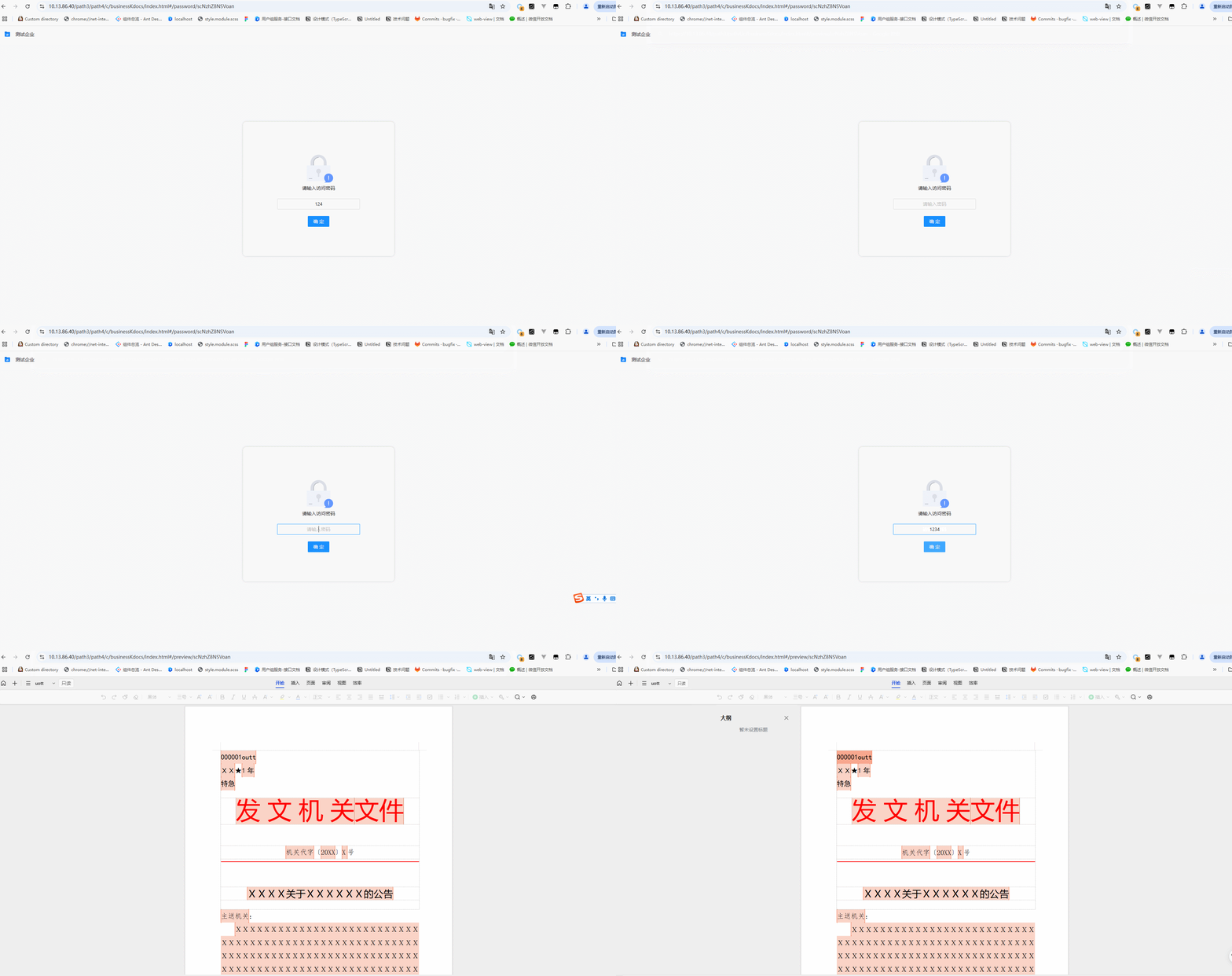 | 繁体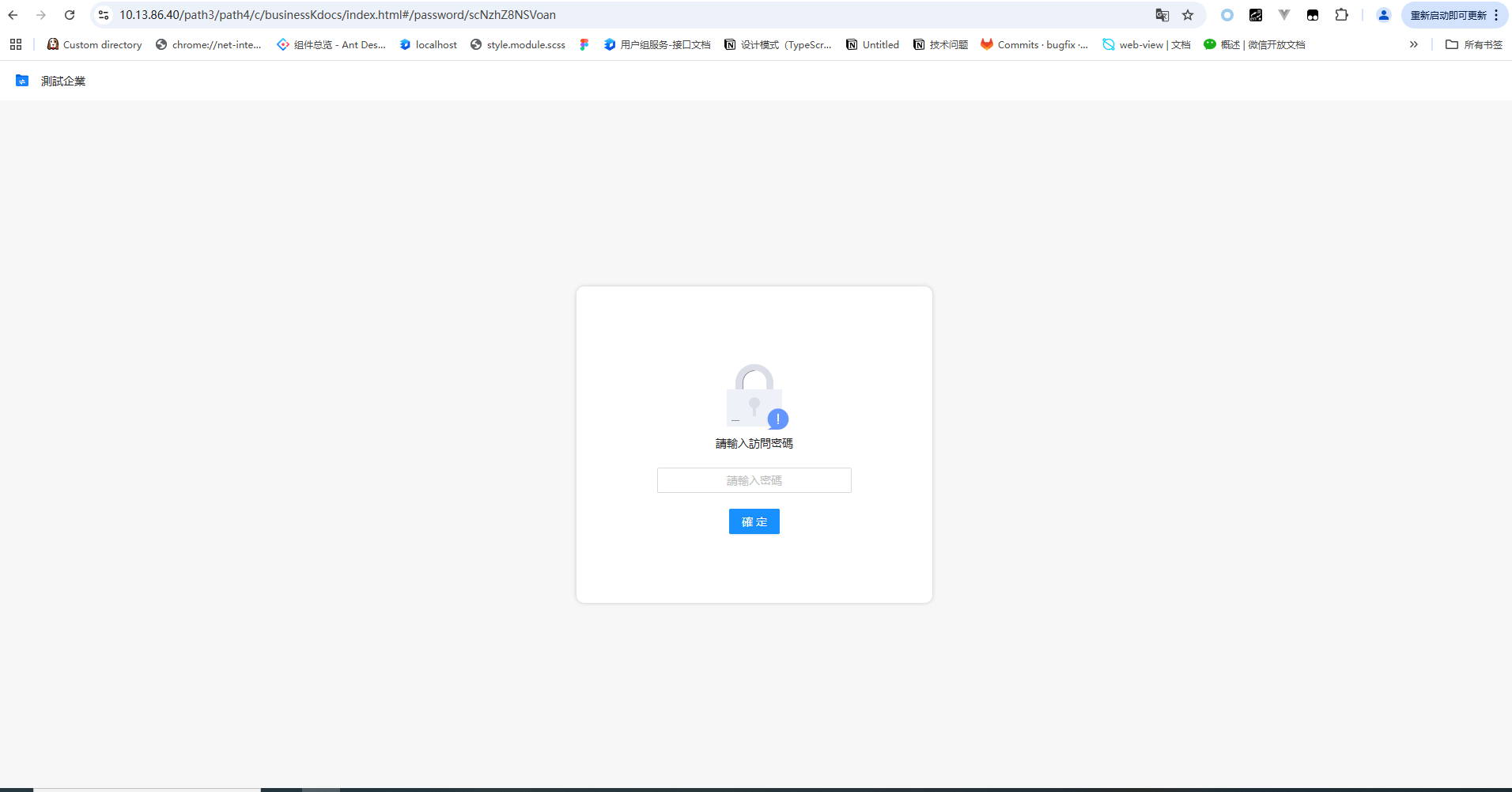 | 英文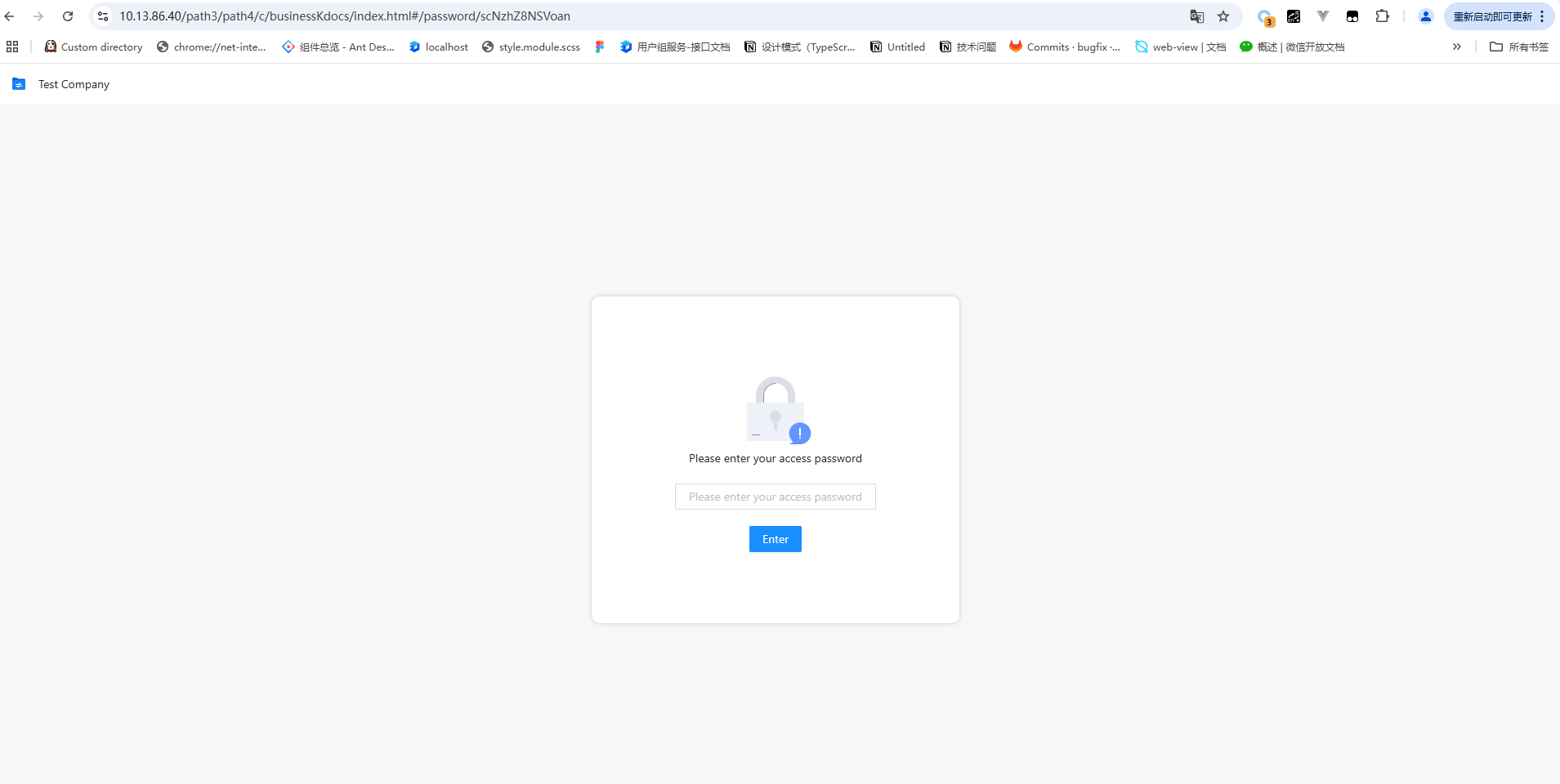 |
| 访问到期页定制 | 中文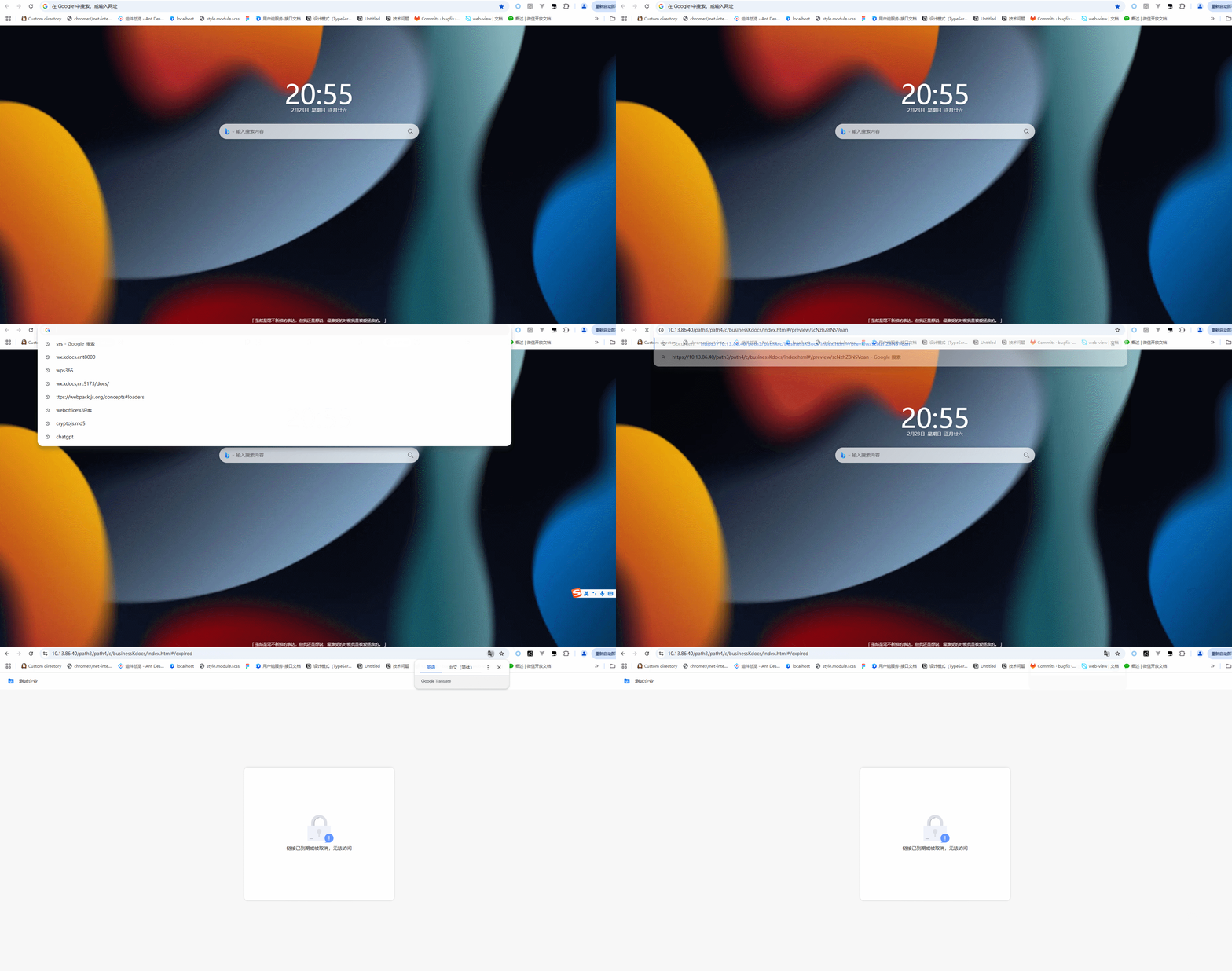 | 繁体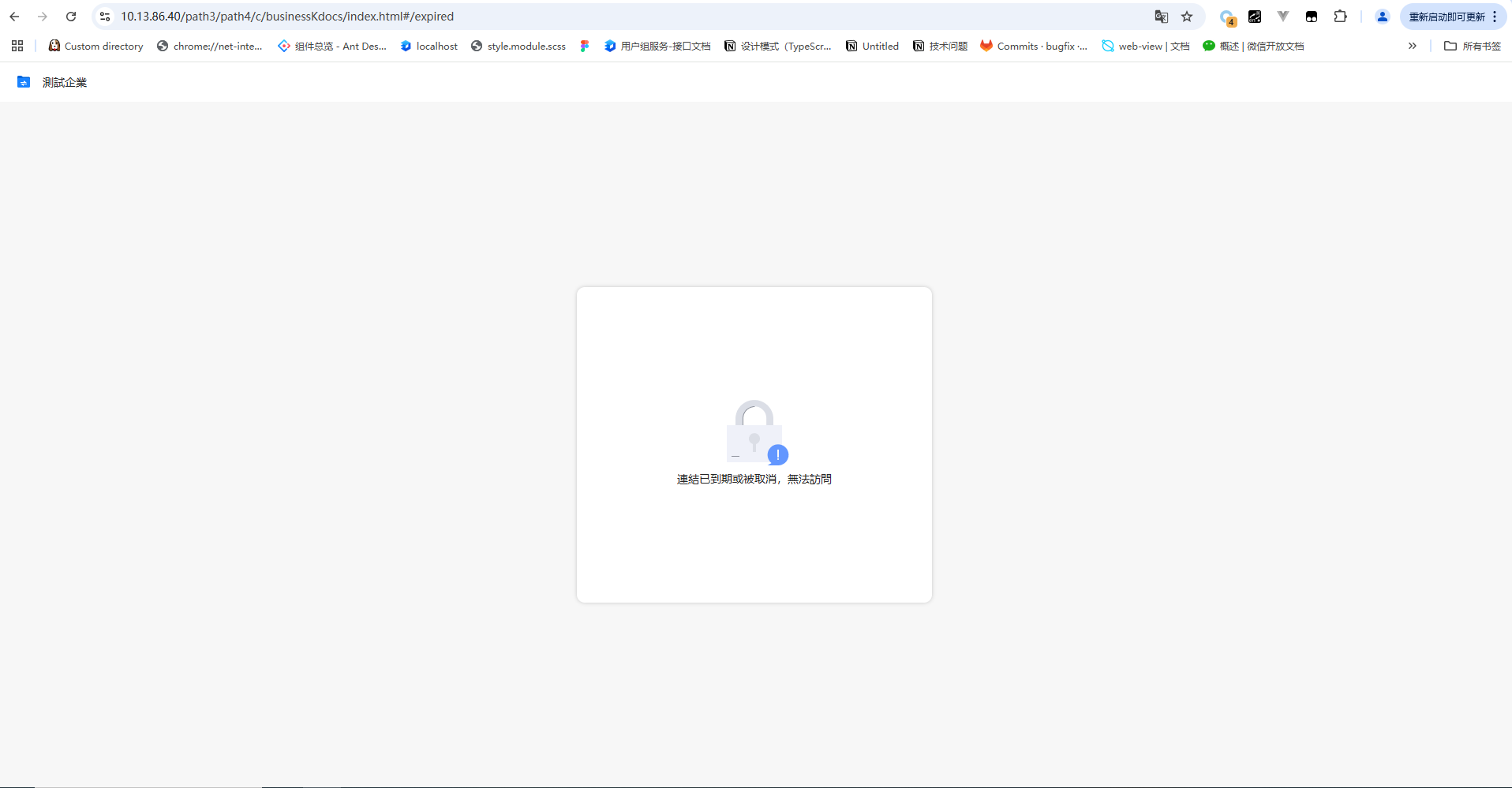 | 英文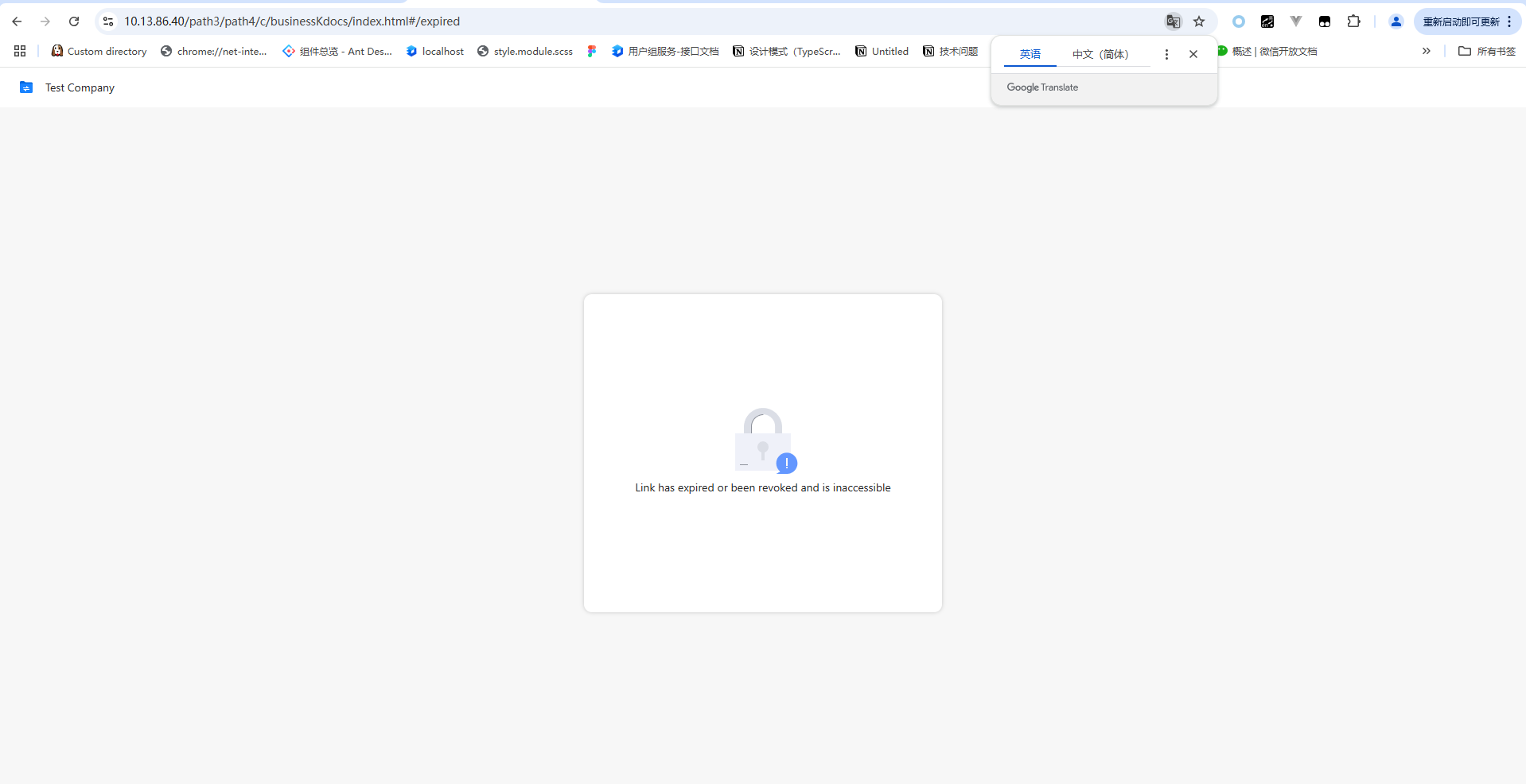 |
相关新闻
-
WPS协作产品消息审计能力助力客户应对信息安全、合规及消息追溯的挑战
为了满足数字化办公时代组织对于企业内风险消息监控的需求,WPS提供了审计授权、消息搜索、审计操作、审计设置及审计日志等几大能力,助力企业提升内部消息的安全性和合规性。 能力简介 在数字化办公时代,即时通讯(IM)工具在组织的作用越发重要,随之要面对的就是风险消息监控、敏感词过滤、日志全量留存及多维分析等诸多问题来确保企业通讯的合规性。WPS协作产品为客户提供了消息审计的相关接口和基础能力,基于相关接口和能力,客户可以通过开发实现内容识别拦截违规信息、完整记录消息内容、时间、参与方等元数据,支持分…
-

文档中心与第三方IM集成,促进高效协同办公
随着企业数字化转型的深入,企业在自研IM基础上需要补齐文档协作能力。文档中心通过集成第三方IM,为企业提供高效、安全的文档协作体验。 一、方案简介 金山办公文档中心V7集成第三方IM旨在为企业自研IM(即时通讯)系统提供文档能力的集成支持,通过文档中心V7与第三方IM的深度整合。 金山办公文档中心V7通过标准化接口与定制化开发相结合,实现IM与文档中心的无缝衔接,帮助企业构建”沟通-协作-管理”一体化平台。金山文档中心V7通过提供在线编辑、多人协同、版本管理,帮助客户减少…
-
文档中心欢迎页定制
在文档中心登录前进行品牌展示,为满足企业或组织的的个性化需求 如何为文档中心定制欢迎页? 该组件仅适用于私有化WPS365版本 1. 方案概述 欢迎页是由客户自己设计和定义的独立页面,可以在文档中心登录前进行品牌展示。 总的来说,欢迎页的内容客户可以根据自己的需求自行设计,通常比较高频的使用方式有: 如果没有定制欢迎页,客户在登录文档中心时,会直接进入文档中心登录页,输入账号和密码进行登录。 客户定制了文档中心欢迎页之后,遇到需要登录的场景,会先跳转进入企业欢迎页,在欢迎页进行相关操作(例如:点…
-

自定义文件列表右键菜单项
企业需要在文件列表的右键菜单栏中,新增其它定制菜单项 如何在文件列表新增右键菜单项? 本定制方案仅适用于私有化WPS365版本 1. 方案概述 有时候,企业需要给不在组织通讯录中的成员共享文档,传统流程是把文档下载下来,通过邮件发送,易导致效率瓶颈。 现在,通过文档中心的扩展能力,可以直接在文件列表右键菜单新增自定义分享弹窗入口,简化协作流程。 这一功能不仅支持自定义分享弹窗,企业也可根据实际需要,在文件列表的右键菜单栏中,新增其它定制菜单项。 我们可以使用文档中心Web端(PC端)的开放能力,…
-
限制企业用户上传特定文件
有些企业出于文档安全、带宽分配等原因,需要限制或全面杜绝文件上传。文档中心开放能力支持企业定制上传功能。 如何限制企业用户上传特定文件? 本定制方案仅适用于私有化WPS365版本 1. 方案概述 有些企业出于文档安全、带宽分配等原因,需要限制文件上传: 有些企业希望完全杜绝以上风险,全面禁止企业用户上传文件。 针对这两种情况,我们可以使用文档中心服务端、Web端(PC端)、H5端(移动端)的开放能力,定制上传功能: 实现方式&效果 方案一需禁止特定文件类型 通过修改文件上传接口的策略并进行校验,…
-

PDF转Word全流程解决方案
方案简介 基于WPS WebOffice开放平台的格式转换能力,构建企业级文档中台,实现标书协议、合同管理、档案等PDF文件的自动化转换、结构化处理与业务系统无缝集成。 WPS WebOffice格式转换服务:提供PDF→Word的精准转换能力。支持保留原PDF的字体、段落、表格、图片等元素,针对扫描件PDF,支持OCR识别,支持单次上传100+文件批量转换。 企业文档中台:作为转换服务的调度中心和数据枢纽,实现转换流程与现有业务系统的无缝对接。拥有操作日志审计,完整记录转换操作的人员、时间、文…